






Your AI parking assistant
Park.
Walk away.
Live a little.
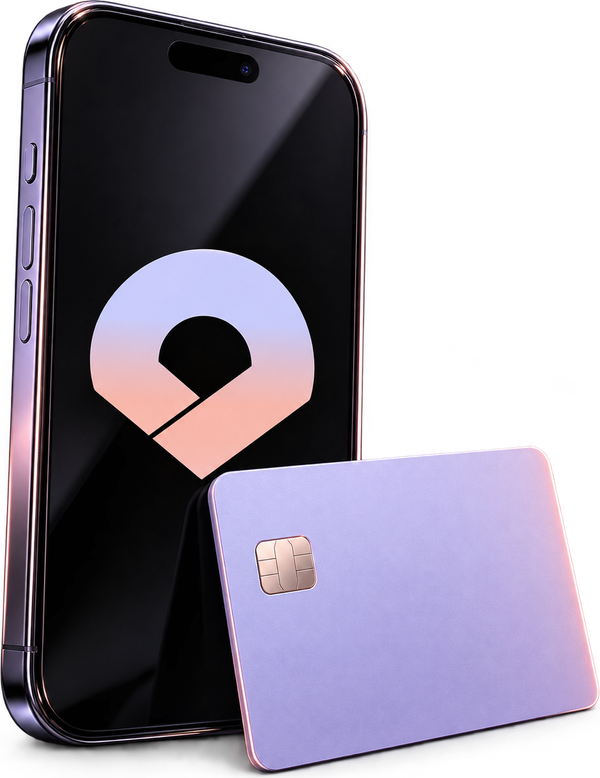
Another coffee. A longer catch-up. Parc takes care of the parking payments and lets you know when you need to head back.
Available on iPhone and Android · At supported locations · Parking charges apply
For plans that don't run to plan
Let your day
take its time.
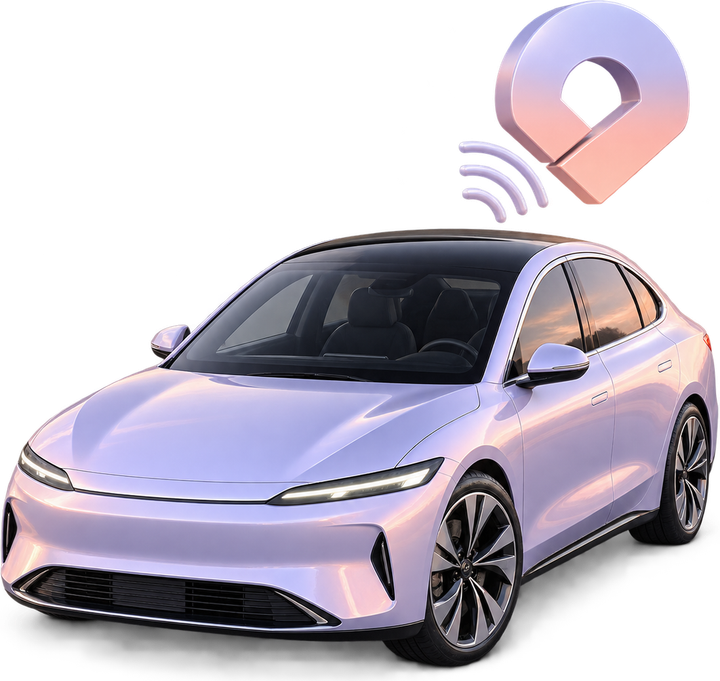
Parc automatically buys more parking time when you need it, so a longer lunch doesn't become a rush back to the car. Your location tells it when you've returned; the parking rules set the limits.
The parking part, taken care of
From the first stop
to the drive home.
Location checked
Your AI parking assistant
You think about your day.
Parc thinks about your parking.

Knows when you’re away.
Parc checks your location to understand whether you’ve returned to your car.
Keeps time on your side.
It adds parking time while you’re out, within the permitted stay, and stops your session when you drive off.
Thinks ahead for you.
Parc keeps track of the local restrictions and tells you when you need to move, helping you stay within the rules.
Small app. A little more headspace.The permitted stay here is ending. Please make your way back to move your car.
Goodbye, parking admin
Less to remember.
More to enjoy.
Parking comes with enough small print. Your assistant keeps track of what applies, with a useful nudge when your car needs your attention.
The local rules, understood.
Time limits and restrictions vary from spot to spot. Parc knows which ones apply to your stay.
Your familiar apps, working together.
Keep RingGo and PayByPhone connected in one place, with your payment method ready whenever you park.
A heads-up when it matters.
If the rules mean you need to move, you'll hear from Parc. Until then, give your attention to what you're doing.
Life's happening. Go be in it.
You stay for the good part.
Parc stays on top of the parking.
Do I need to add more time myself?
No. Once you're set up, Parc uses location checks to see whether you're still away from the car. It keeps adding parking time when needed, subject to the location's rules. When you drive away, Parc stops your session.
What happens at the maximum stay?
Some spaces have a limit on how long you can stay. Parc works with those rules and sends a reminder when you need to move.
What do I need to set up?
Download Parc and create your account. Complete the steps shown in the app: connect your parking providers, add your payment method, choose your parking mode, and add and pair your vehicle.
Where can I use Parc?
Parc works with supported parking locations through connected providers including RingGo and PayByPhone. Check the location and any instructions in the app before you park.
How does Parc know when to stop?
Parc recognises when you drive away and stops your parking session. Keep the required location permissions enabled so it can follow your stay.
Are parking charges included?
Parking charges still apply and vary depending on location, parking duration and parking provider. Check the app for the applicable Parc plan and charges.
Can I download it on Android?
Yes. Get Parc from Google Play for Android, or download it from the App Store for iPhone.
Your next park starts here
Good plans.
Better parking.
Download Parc. Finish your setup.
Make a little more room for your day.


Additional parking charges apply and vary depending on location, parking duration and parking provider. Available at supported locations.